
← All features 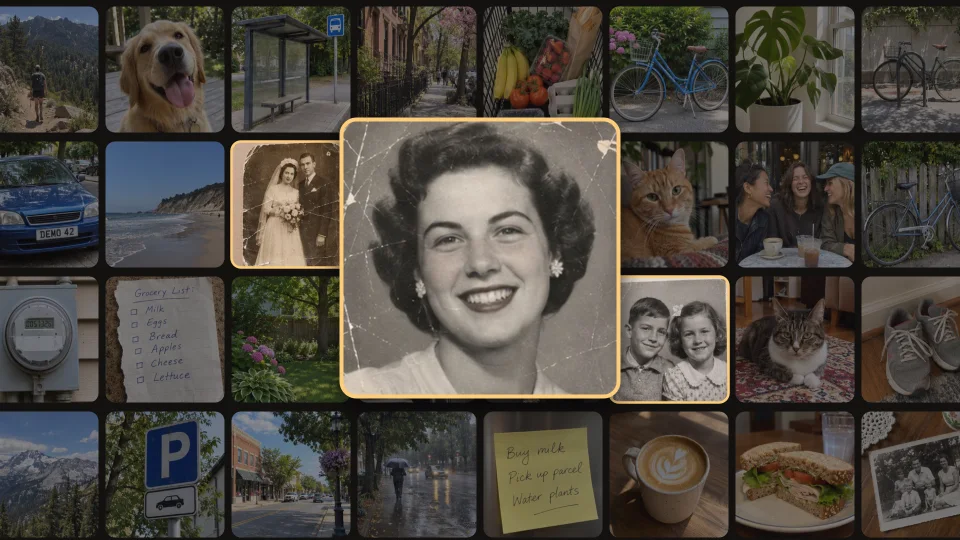
Renew for Android
Find Old Photos in Your Gallery
A photo of your grandparents or a scan from a family album can be hard to find among thousands of everyday pictures. Renew looks for photos that appear old and collects likely matches in the Old photos tab.
How to find old photos in Renew
- Open Renew’s photo picker and allow full access to your photos so it can search your gallery.
- Open the Old photos tab and browse the matches. Renew can surface a recently saved scan of an old print alongside other vintage pictures.
- Choose a photo you’d like to restore or colorize.
The search runs on your phone
Renew analyzes your gallery on your device. Photos don’t need to be uploaded for the search. It looks through photos already on your phone, and some old pictures may not appear in the matches.